For anyone genuinely struggling with this:
There’s a setting in the Outlook options that will keep the invite in your inbox after you accept it.
I don’t have access to Outlook anymore so I can’t tell you where it is, sorry. It’s buried in that awful overwhelming interface somewhere, but hopefully knowing that it exists is a helpful starting point. Good luck.
Outlook also embeds the contents of the email into the calendar event. All of that information is preserved and can be accessed by double-clicking on the event in the calendar.
Clearly most of the people in this thread don’t want to scroll forward in a calendar to find what was easily accessible a moment ago. It should exist in the calendar and in the inbox. It’s an arbitrary quality of life issue, and they removed the ability for the users to decide for themselves if they can retain the message in their inbox.
My work IT policy would not let me change that setting, infuriatingly. They said it was a money saving initiative to keep our inboxes small. This is necessary because we use MS Cloud services, which charges by the electron or something.

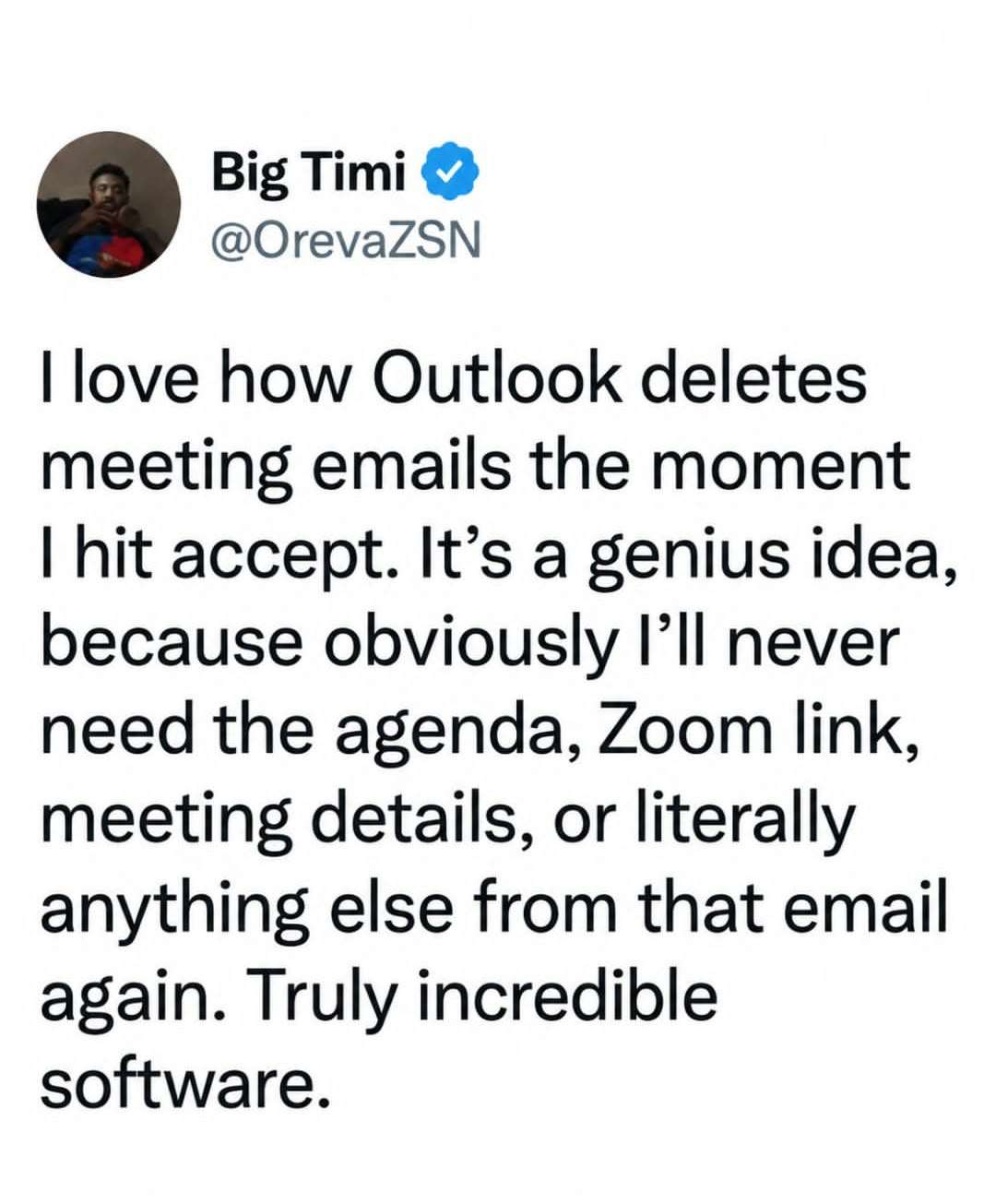
For anyone genuinely struggling with this: There’s a setting in the Outlook options that will keep the invite in your inbox after you accept it.
I don’t have access to Outlook anymore so I can’t tell you where it is, sorry. It’s buried in that awful overwhelming interface somewhere, but hopefully knowing that it exists is a helpful starting point. Good luck.
Edit: Apparently they’ve removed this option in the “new” Outlook, my condolences if you’re using that one.
Outlook also embeds the contents of the email into the calendar event. All of that information is preserved and can be accessed by double-clicking on the event in the calendar.
Clearly most of the people in this thread don’t want to scroll forward in a calendar to find what was easily accessible a moment ago. It should exist in the calendar and in the inbox. It’s an arbitrary quality of life issue, and they removed the ability for the users to decide for themselves if they can retain the message in their inbox.
The invite will still be in the delete folder unless they rage closed the program for no reason in between accepting and wanting to know more.
Where is the event? There are hundreds of them and I have to find one I dont have the details for
Pretty awkward when you forget/can’t find the event date though. I’ve managed to create an event in the wrong year at least once.
Yea, I discovered this by … opening the event in Calendar
My work IT policy would not let me change that setting, infuriatingly. They said it was a money saving initiative to keep our inboxes small. This is necessary because we use MS Cloud services, which charges by the electron or something.